
 English
 Deutsch
 日本語
日本語 简体中文
简体中文 Français
Not every light shaper hangs on a light. A scrim in front of a head softens it without changing the head; a reflector puts light back into the shadow side without a second lamp; a black panel takes light away. These are the passive tools, and they work in every edition.
Applies to BASIC, STUDIO, CINEMA · You need: a project open on the SETUP tab with the library panel visible (N shows and hides it, by default).
Where to find them
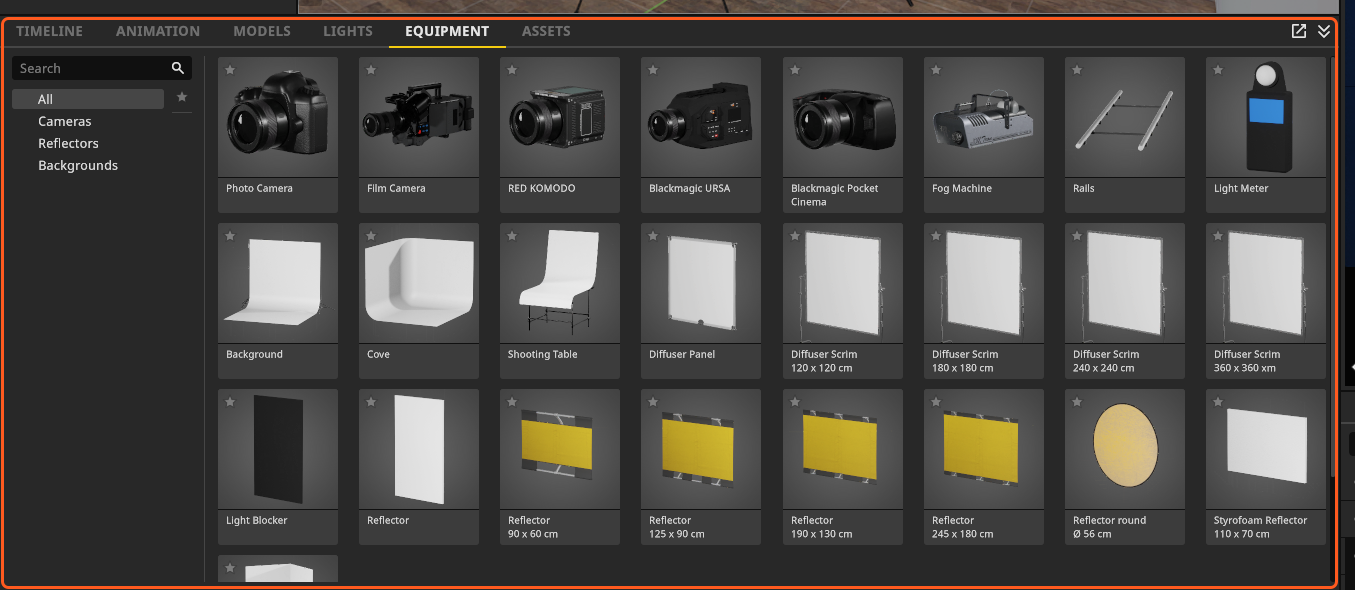
They all live in the EQUIPMENT tab of the library, but not under the same filter. Reflector, Reflector round, Styrofoam Reflector, V-Flat and Light Blocker sit under Reflectors. Diffuser Panel and Diffuser Scrim carry no filter at all, so they only show up under All or when you search for them — which is why most people never find them.
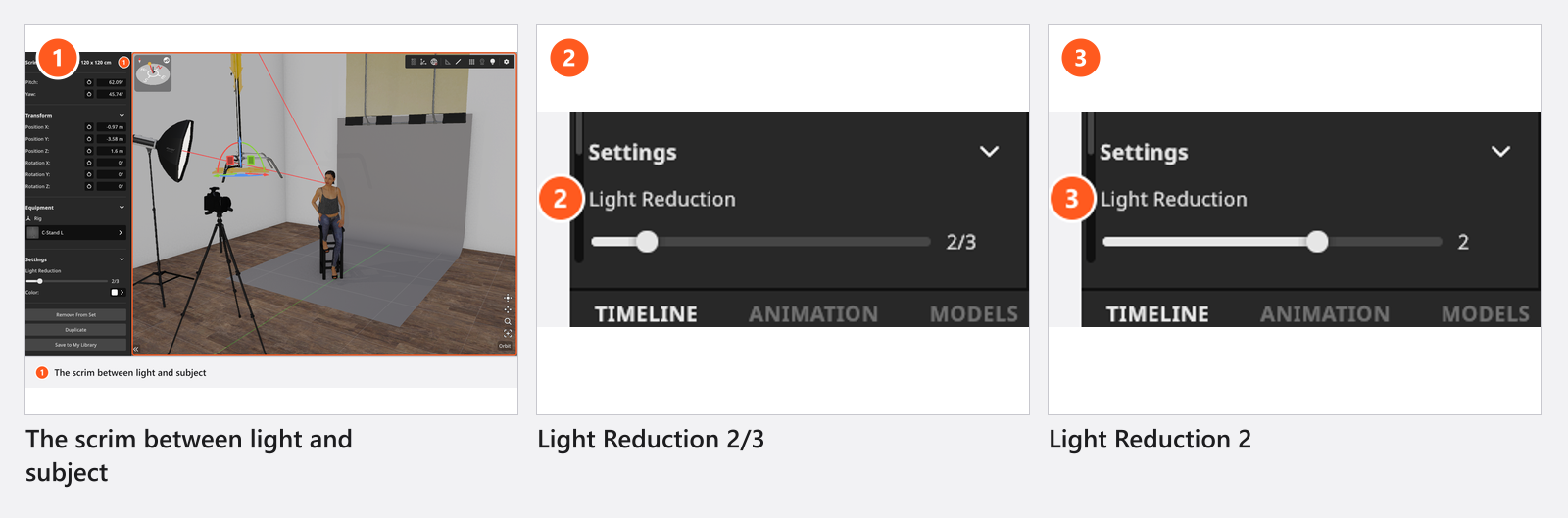
Soften a light with a scrim
- Drag Diffuser Scrim (four fixed sizes from
120 × 120 cmto360 × 360 cm) or Diffuser Panel (free size) into the set and drop it between the light and the model. - Aim it. A scrim has the same three buttons as a light — hide the stand, Lock Diffuser on Target, Rotate Diffuser Towards Model — and it obeys them the same way.
- Set Light Reduction in the Settings group: the slider snaps to 18 fixed steps from
0.25to3stops, and a new scrim starts at2/3of a stop. → The picture loses light and the shadow edges widen at the same time. - Give it a Color if the fabric should tint the light.
What Light Reduction really means
The number is in stops, and it sets how much light the fabric passes: one stop is half, two stops a quarter, three stops an eighth. What it does not promise is exactly that many stops at one point in the room. A scrim also spreads the light it passes — that is the reason you put it there — so the subject can lose more or less than the nominal figure depending on how close the panel is and how much of the beam it covers. If the number matters, meter it: Measure light and lighting ratios.
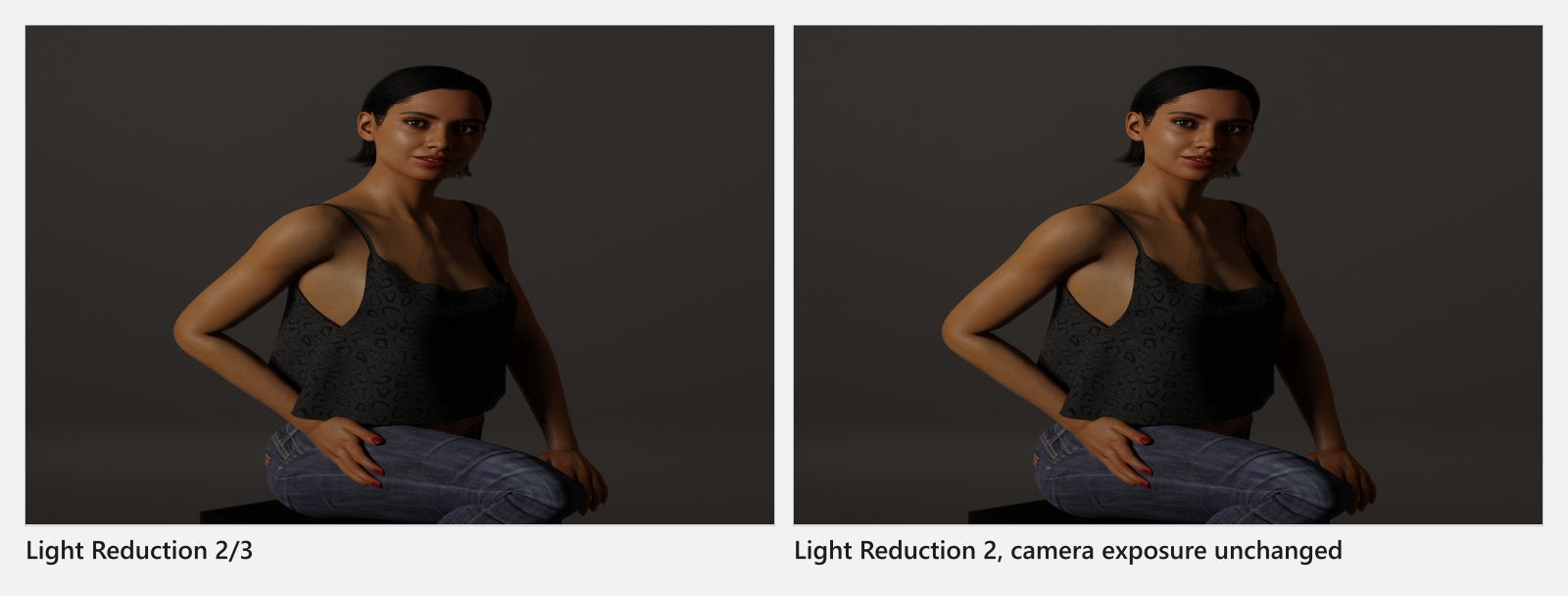
Scrims transmit light physically in this release, which is a change you can see in old projects: a set you built earlier that uses scrims or diffuser panels renders darker than it did. Nothing in your set broke — the fabric is now accounted for properly. Raise the affected heads until the picture matches again, and check the result against the meter rather than against memory.
Bounce light back with a reflector
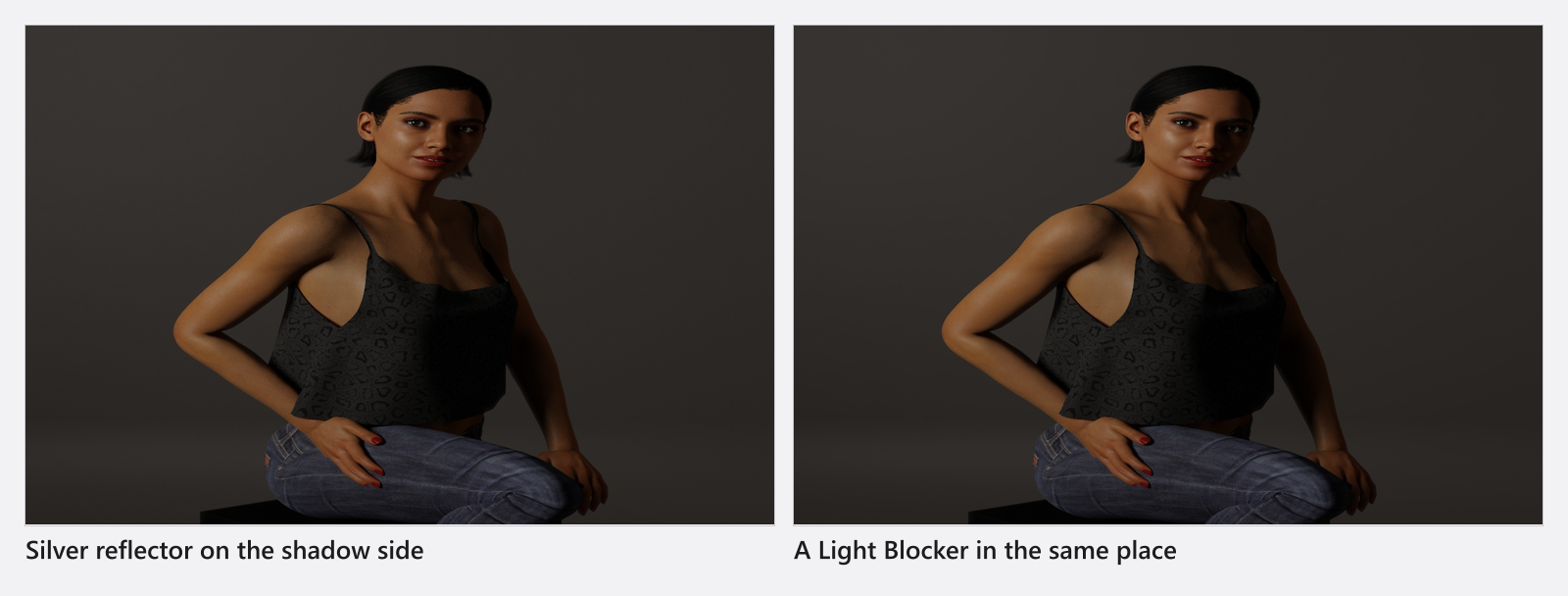
Place a reflector on the shadow side, roughly facing the light, and rotate it with the transform handles until the fill lands where you want it. The library gives you four fixed rectangular panels (90 × 60 cm to 245 × 180 cm) in Gold, Silver and Zebra, a Reflector round of Ø 56 cm in Gold and Silver, a free-size white Reflector, the white Styrofoam Reflector, and the V-Flat, whose Fold V-Flat angle (−180° to 180°, default 90°) opens and closes the two wings.
Scattering (0 to 0.4, default 0.1) decides how diffuse the bounce is; the panel’s own surface — gold, silver, zebra or white — decides the rest. Two things are different from a light: a reflector has no target lock and no aim button, and it arrives with its stand hidden.
Take light away with a Light Blocker
The Light Blocker is the same panel without any reflectance. Put it where a reflector would go and you get negative fill: the shadow side deepens because the bright room stops feeding it. It is also the tool for keeping spill off a background — cheaper than moving the key, and invisible in the frame.
A mirror can bounce a beam too, with Reflect Lights, Diffusion (0 to 1) and Light Loss (0 to 1) — see Props, basic shapes and mirrors.
Settings
Scrims and diffuser panels, in the Settings and Size groups. Light Reduction is not in the generated table: it snaps to 18 steps from 0.25 to 3 stops and starts at 2/3 of a stop.
Diffuser
| Setting | Range | Default | Unit | Animatable |
|---|---|---|---|---|
| Color | white | no | ||
| Width / Length | 0.1 – 10 | depends on the light | m | no |
Reflectors, the V-Flat and the Light Blocker:
Reflector
| Setting | Range | Default | Unit | Animatable |
|---|---|---|---|---|
| Diameter | 0.05 – 1.05 | depends on the light | m | sometimes |
| Fold V-Flat | -180 – 180 | 90 | sometimes | |
| Scattering | 0 – 0.4 | 0.1 | sometimes | |
| Size | 0.1 – 10 | depends on the light | m | sometimes |
Tips & limits
- A scrim does not re-emit everything around it. It picks up the studio heads nearest to it that actually point at it, and only a few of them; practical lamps and the environment light are never turned into scrim light. A large rig of many small lamps behind one panel therefore will not behave as you expect.
- A scrim is not atmosphere. Haze and a fog machine’s plume are separate things: Fog and atmosphere, Add a fog machine.
- Hardness itself belongs to the light shaper on the head — see Choose and fit a light shaper.
Troubleshooting
- My old set got darker after the update. Scrims and diffuser panels now pass light physically. Raise the heads behind them; nothing else changed.
- The scrim does nothing. No light is aimed at it, or too many heads compete for it and this one is not among the nearest. Move it into the beam and check the result with the meter.
- The reflector will not turn towards the model. Reflectors have no aim button. Rotate them with the transform handles.
- More symptoms: Lighting problems.